Darksiders — System Requirements, FPS Estimate & Settings
2010 · Action · THQ · ESRB Mature · Metacritic 83
Official system requirements
Publisher-published Minimum / Recommended values via RAWG, retrieved 2026-08-21. Real-world performance varies with drivers, resolution and your full build.
| Spec | Minimum | Recommended |
|---|---|---|
| OS | Minimum: | Recommended: |
| Processor | OS: Windows XP SP3, Vista SP1, Windows 7, DirectX 9.0c | OS: Windows XP SP3, Vista SP1, Windows 7, DirectX 9.0c |
| Memory | Processor: AMD Athlon 64 Processor 3800+ 2.4Ghz or better, Intel Pentium 4 530 3.0Ghz Processor or better | Processor: AMD Athlon 64 X2 5200+ Dual Core 2.60Ghz, Intel Core 2 Duo E6420 Dual Core 2.13Ghz |
| Graphics | Memory: 1GB XP, 2GB Vista / Windows 7 | Memory: 2GB XP, 3GB Vista / Windows 7 |
| Storage | Hard Disk Space: 12GB | Hard Disk Space: 12GB |
| DirectX | Video Card: NVIDIA (GeForce 8800/GeForce GT220) 256MB graphics card or better, ATI Radeon X1900 256MB graphics card or better ( must support pixel shader 3 ) | Video Card: NVIDIA (GeForce GTS 240) 256MB graphics card or better, ATI Radeon HD3870 256MB graphics card or better ( must support pixel shader 3 ) |
Multi-GPU FPS estimate
Estimated average FPS by GPU at 1080p / 1440p / 4K, derived from Darksiders's demand tier (tier 3, Light (entry discrete GPU)) and published TechPowerUp-style relative-performance indices (RTX 4090 = 100), retrieved 2026-08-29. Planning estimates, not benchmarks.
| GPU | 1080p | 1440p | 4K |
|---|---|---|---|
| RTX 4090 | 285 | 188 | 108 |
| RTX 4080 Super | 256 | 169 | 97 |
| RTX 4080 | 246 | 162 | 93 |
| RX 7900 XTX | 273 | 180 | 104 |
| RX 7900 XT | 256 | 169 | 97 |
| RTX 4070 Ti Super | 218 | 144 | 83 |
| RX 7800 XT | 218 | 144 | 83 |
| RTX 4070 Super | 205 | 135 | 78 |
| RTX 4070 | 192 | 127 | 73 |
| RX 7700 XT | 198 | 130 | 75 |
| RTX 3070 | 179 | 118 | 68 |
| RX 6800 XT | 215 | 142 | 82 |
| RTX 4060 Ti | 158 | 104 | 60 |
| RX 6700 XT | 192 | 127 | 73 |
| RTX 3060 | 145 | 95 | 55 |
| RX 6600 XT | 163 | 108 | 62 |
| RTX 2060 | 131 | 86 | 50 |
| GTX 1660 Super | 108 | 71 | 41 |
| RX 580 | 125 | 83 | 48 |
| GTX 1060 6GB | 102 | 68 | 39 |
| GTX 1650 | 82 | 54 | 31 |
| Intel Arc A770 | 166 | 110 | 63 |
| UHD 770 (integrated) | 33 | 22 | 13 |
Method: a game's demand tier maps to a “GPU index needed for ~60 FPS at 1080p”; each GPU's relative index produces an estimate via a diminishing-returns curve, then scaled for resolution. Source: TechPowerUp GPU database (relative performance), 2026-08-29.
Similar games you may tune next
Grand Theft Auto V
2013 · Action
Open profile →The Witcher 3: Wild Hunt
2015 · Action, RPG
Open profile →Tomb Raider
2013 · Action
Open profile →Portal
2007 · Action, Puzzle
Open profile →Left 4 Dead 2
2009 · Shooter, Action
Open profile →Red Dead Redemption 2
2018 · Action
Open profile →The Elder Scrolls V: Skyrim
2011 · Action, RPG
Open profile →Half-Life 2
2004 · Shooter, Action
Open profile →Optimize Darksiders for your hardware
Pick your GPU, CPU, resolution and target refresh rate, then generate a printable settings card with per-preset expectations and upscaler guidance.
Optimize Darksiders for your PC
This is a planning estimate derived from the game's demand tier, not a benchmark.
My Darksiders Settings Card
Generated at GameFigs on 2026-09-25. Game demand tier: 3/9.
Release & version notes
Official release date: 2010-01-05. Ongoing patches and version history are published by the developer — for the latest patch notes, see the official store or support page. GameFigs summarizes the official release only and does not invent patch dates.
About Darksiders
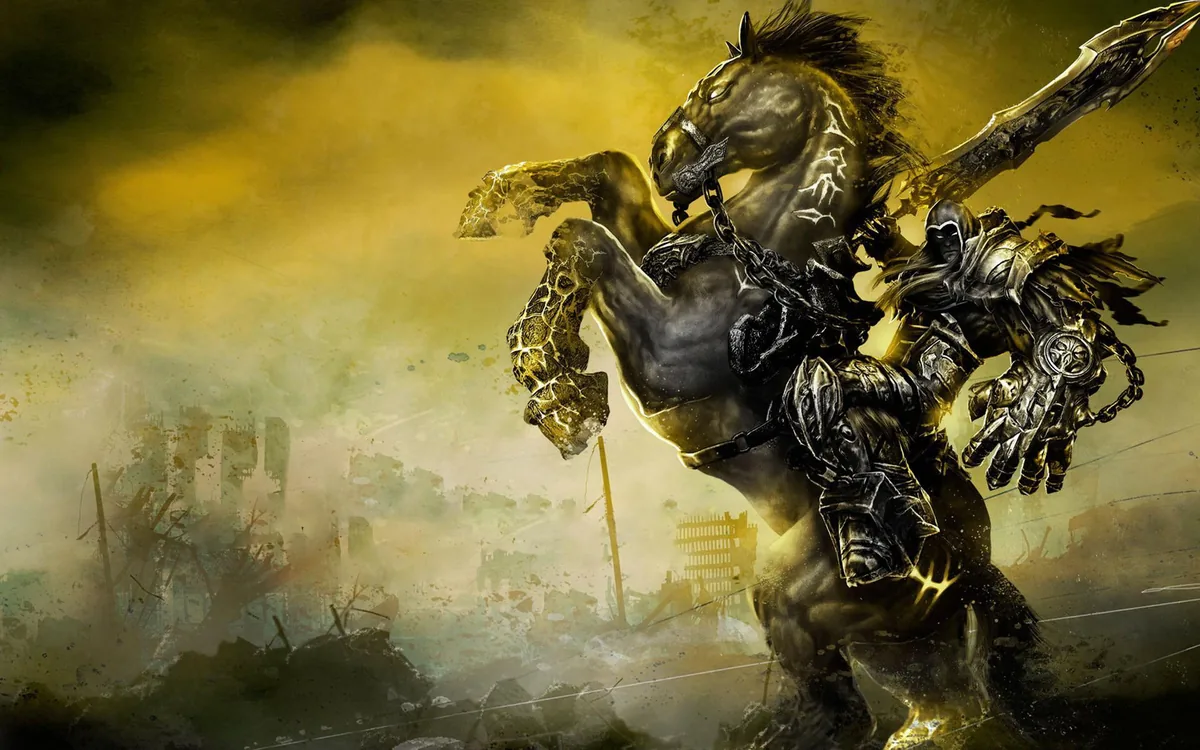
In Darksiders, you play as War - one of the Four Horsemen Of The Apocalypse. Two kingdoms, Heaven and Hell, could never solve their disagreements and battled each other from the beginning of time. "The Charred Council" arose in between two sides forming the brotherhood of Four Horsemen - War, Death, Strife and Fury. With these for horsemen on the watch and all the conflicts end, humanity has been born - a "Kingdom of Man". Council has created Seven Seals, that must be broken, when "The Kingdom of Man" will be ready for an Endwar. When our protagonist, War arrives on Earth, he sees that the final battle between Good and Evil already emerged without breaking Seven Seals. After fighting a demon called Straga, he is summoned by the council. It accuses him of destroying the balance, and that now the Apocalypse is unstoppable. Convincing the council in his innocence, War now has to stop the Endwar. Darksiders is a typical hack-and-slash game that lets you produce comboes with two primary weapons - Chaoseater and Scythe - and various gadgets. While defeating his enemies, War can execute them with brutality. The gameplay is undertoned with dark mythology bound with the present days.
Sources & attribution
- Game data (release year, genres, platforms, system requirements, description, cover art) via RAWG.io, retrieved 2026-08-21.
- GPU relative-performance indices via TechPowerUp GPU database (relative performance), retrieved 2026-08-29.
- FPS estimates on this page are GameFigs planning estimates from the demand-tier + GPU-index model — not benchmark results.
How the Darksiders optimization card & FPS estimate are computed
Each game is scored on a 0–9 demand tier from its published PC requirements (and a year/genre fallback when requirements are absent). The FPS estimate compares your selected GPU's relative-performance index against the tier's required index using a diminishing-returns curve, then scales for resolution. The settings card maps the demand tier and your hardware to a starting preset, an FPS band and an upscaler recommendation. All outputs are planning guides — verify in-game with the built-in benchmark when available.
Tools for Darksiders
Check your hardware against this title, then set your gear up for it.