Half-Life: Opposing Force — System Requirements, FPS Estimate & Settings
1999 · Shooter, Action · Gearbox Software · ESRB Mature
Official system requirements
Publisher-published Minimum / Recommended values via RAWG, retrieved 2026-08-21. Real-world performance varies with drivers, resolution and your full build.
| Spec | Minimum | Recommended |
|---|---|---|
| OS | Minimum: 500 mhz processor, 96mb ram, 16mb video card, Windows XP, Mouse, Keyboard, Internet Connection | — |
| Processor | Recommended: 800 mhz processor, 128mb ram, 32mb+ video card, Windows XP, Mouse, Keyboard, Internet Connection | — |
| Memory | — | — |
| Graphics | — | — |
Multi-GPU FPS estimate
Estimated average FPS by GPU at 1080p / 1440p / 4K, derived from Half-Life: Opposing Force's demand tier (tier 3, Light (entry discrete GPU)) and published TechPowerUp-style relative-performance indices (RTX 4090 = 100), retrieved 2026-08-29. Planning estimates, not benchmarks.
| GPU | 1080p | 1440p | 4K |
|---|---|---|---|
| RTX 4090 | 285 | 188 | 108 |
| RTX 4080 Super | 256 | 169 | 97 |
| RTX 4080 | 246 | 162 | 93 |
| RX 7900 XTX | 273 | 180 | 104 |
| RX 7900 XT | 256 | 169 | 97 |
| RTX 4070 Ti Super | 218 | 144 | 83 |
| RX 7800 XT | 218 | 144 | 83 |
| RTX 4070 Super | 205 | 135 | 78 |
| RTX 4070 | 192 | 127 | 73 |
| RX 7700 XT | 198 | 130 | 75 |
| RTX 3070 | 179 | 118 | 68 |
| RX 6800 XT | 215 | 142 | 82 |
| RTX 4060 Ti | 158 | 104 | 60 |
| RX 6700 XT | 192 | 127 | 73 |
| RTX 3060 | 145 | 95 | 55 |
| RX 6600 XT | 163 | 108 | 62 |
| RTX 2060 | 131 | 86 | 50 |
| GTX 1660 Super | 108 | 71 | 41 |
| RX 580 | 125 | 83 | 48 |
| GTX 1060 6GB | 102 | 68 | 39 |
| GTX 1650 | 82 | 54 | 31 |
| Intel Arc A770 | 166 | 110 | 63 |
| UHD 770 (integrated) | 33 | 22 | 13 |
Method: a game's demand tier maps to a “GPU index needed for ~60 FPS at 1080p”; each GPU's relative index produces an estimate via a diminishing-returns curve, then scaled for resolution. Source: TechPowerUp GPU database (relative performance), 2026-08-29.
Similar games you may tune next
Left 4 Dead 2
2009 · Shooter, Action
Open profile →Half-Life 2
2004 · Shooter, Action
Open profile →BioShock Infinite
2013 · Shooter, Action
Open profile →Borderlands 2
2012 · Shooter, Action
Open profile →BioShock
2007 · Shooter, Action
Open profile →Destiny 2
2017 · Shooter, Action
Open profile →PAYDAY 2
2013 · Shooter, Action
Open profile →DOOM (2016)
2016 · Shooter, Action
Open profile →Optimize Half-Life: Opposing Force for your hardware
Pick your GPU, CPU, resolution and target refresh rate, then generate a printable settings card with per-preset expectations and upscaler guidance.
Optimize Half-Life: Opposing Force for your PC
This is a planning estimate derived from the game's demand tier, not a benchmark.
My Half-Life: Opposing Force Settings Card
Generated at GameFigs on 2026-09-25. Game demand tier: 3/9.
Release & version notes
Official release date: 1999-11-19. Ongoing patches and version history are published by the developer — for the latest patch notes, see the official store or support page. GameFigs summarizes the official release only and does not invent patch dates.
About Half-Life: Opposing Force
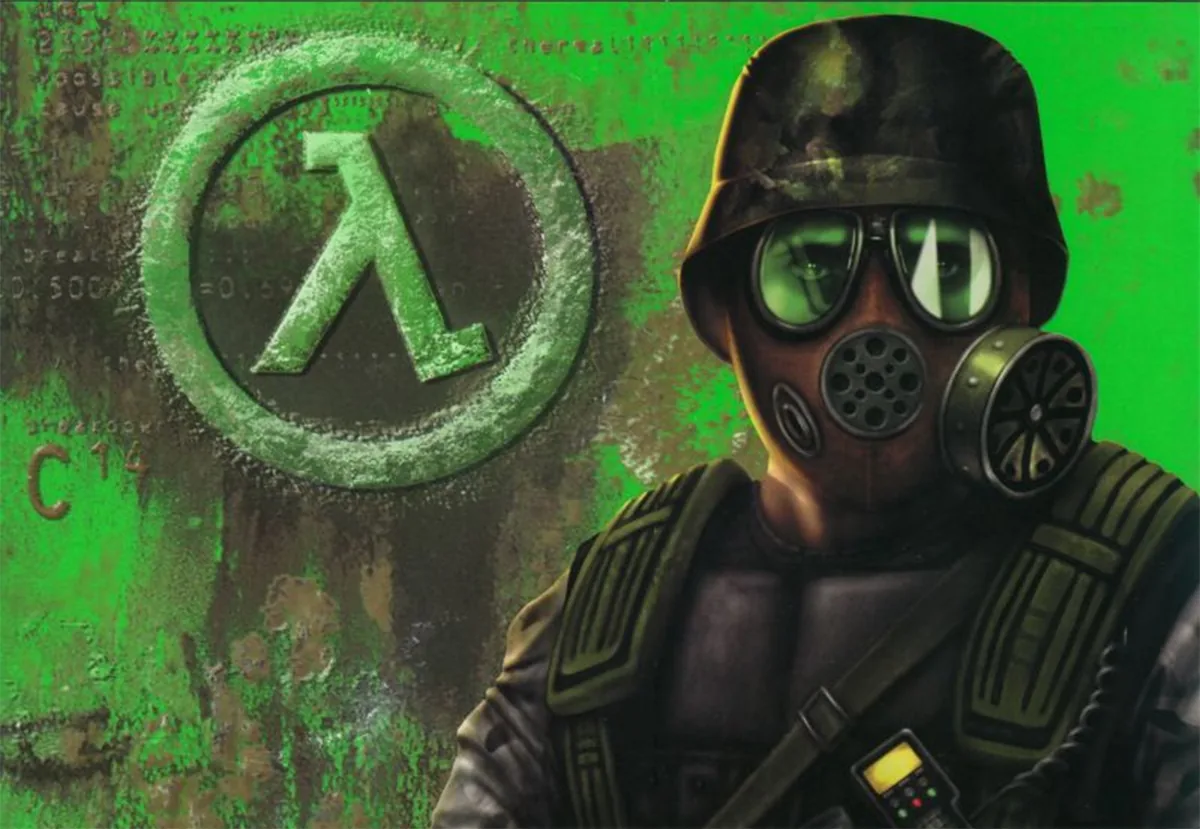
Half-Life: Opposing Force is an expansion pack for the original first-person shooter Half-Life. The game setting is the same as the one in the original game: the story takes place in the science laboratory called Black Mesa Research Facility in New Mexico at the same time. However, instead of following the original characters, players are offered to assume the role of Adrien Shephard a Hazardous Environment Combat Unit (initially antagonist organization) operator, who is sent to Black Mesa to prevent an extraterrestrial menace. Nevertheless, shooting scientists is not required, as the main threat comes out of aliens. The overall gameplay has few differences comparing to the one existing in Half-life, as far as it is based on completing the sequence of levels. Although the combat system looks almost the same, it features the non-player character’s assistance so the protagonist will receive support from scientists, security guards, and marines (soldiers, combat medics, and engineers) during firefights or while solving puzzles. Players will also face new aliens types added to the existing ones.
Sources & attribution
- Game data (release year, genres, platforms, system requirements, description, cover art) via RAWG.io, retrieved 2026-08-21.
- GPU relative-performance indices via TechPowerUp GPU database (relative performance), retrieved 2026-08-29.
- FPS estimates on this page are GameFigs planning estimates from the demand-tier + GPU-index model — not benchmark results.
How the Half-Life: Opposing Force optimization card & FPS estimate are computed
Each game is scored on a 0–9 demand tier from its published PC requirements (and a year/genre fallback when requirements are absent). The FPS estimate compares your selected GPU's relative-performance index against the tier's required index using a diminishing-returns curve, then scales for resolution. The settings card maps the demand tier and your hardware to a starting preset, an FPS band and an upscaler recommendation. All outputs are planning guides — verify in-game with the built-in benchmark when available.
Tools for Half-Life: Opposing Force
Check your hardware against this title, then set your gear up for it.