Minecraft — System Requirements, FPS Estimate & Settings
2009 · Action, Arcade, Simulation, Indie, Massively Multiplayer · 4J Studios · ESRB Everyone 10+ · Metacritic 83
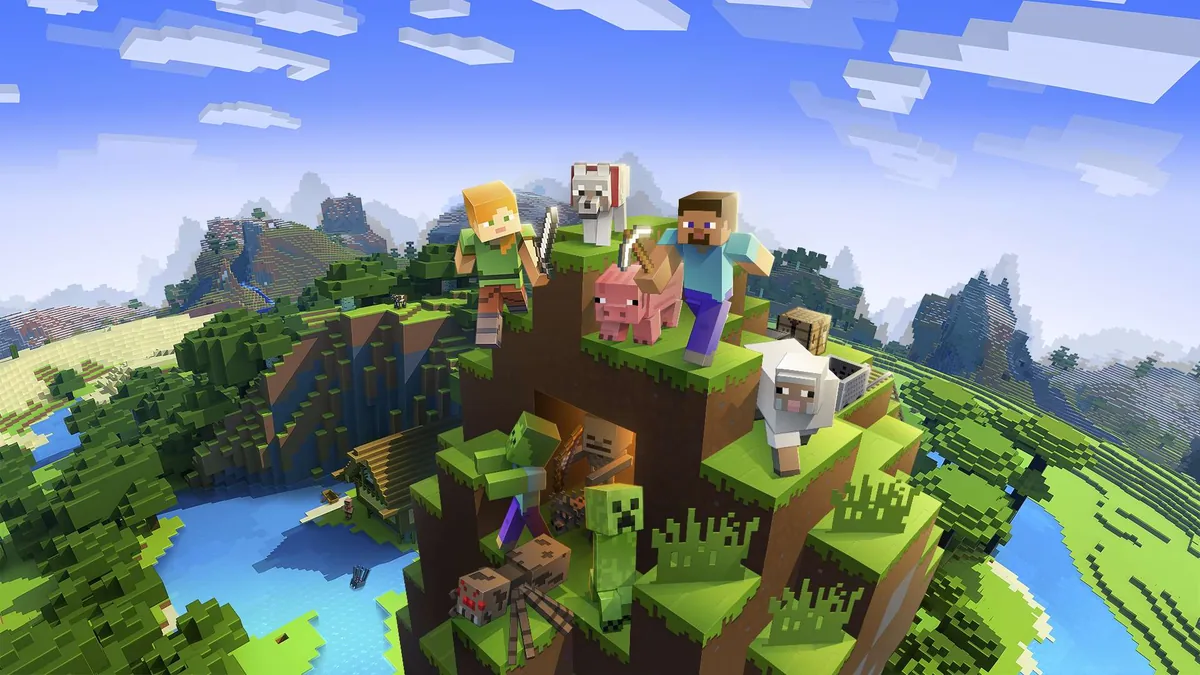
Official system requirements
Official system requirements for Minecraft are not yet indexed on GameFigs. Check the publisher's store page for the authoritative Minimum / Recommended specs. Based on its release era and genre, our demand model places it at tier 2 (Light (entry discrete GPU)).
Multi-GPU FPS estimate
Estimated average FPS by GPU at 1080p / 1440p / 4K, derived from Minecraft's demand tier (tier 2, Light (entry discrete GPU)) and published TechPowerUp-style relative-performance indices (RTX 4090 = 100), retrieved 2026-08-29. Planning estimates, not benchmarks.
| GPU | 1080p | 1440p | 4K |
|---|---|---|---|
| RTX 4090 | 392 | 259 | 149 |
| RTX 4080 Super | 351 | 232 | 134 |
| RTX 4080 | 338 | 223 | 128 |
| RX 7900 XTX | 375 | 248 | 143 |
| RX 7900 XT | 351 | 232 | 134 |
| RTX 4070 Ti Super | 300 | 198 | 114 |
| RX 7800 XT | 300 | 198 | 114 |
| RTX 4070 Super | 282 | 186 | 107 |
| RTX 4070 | 264 | 175 | 101 |
| RX 7700 XT | 272 | 179 | 103 |
| RTX 3070 | 247 | 163 | 94 |
| RX 6800 XT | 296 | 196 | 113 |
| RTX 4060 Ti | 217 | 143 | 83 |
| RX 6700 XT | 264 | 175 | 101 |
| RTX 3060 | 199 | 131 | 76 |
| RX 6600 XT | 225 | 148 | 85 |
| RTX 2060 | 180 | 119 | 68 |
| GTX 1660 Super | 149 | 98 | 57 |
| RX 580 | 172 | 114 | 65 |
| GTX 1060 6GB | 141 | 93 | 53 |
| GTX 1650 | 112 | 74 | 43 |
| Intel Arc A770 | 228 | 151 | 87 |
| UHD 770 (integrated) | 46 | 30 | 17 |
Method: a game's demand tier maps to a “GPU index needed for ~60 FPS at 1080p”; each GPU's relative index produces an estimate via a diminishing-returns curve, then scaled for resolution. Source: TechPowerUp GPU database (relative performance), 2026-08-29.
Similar games you may tune next
Hotline Miami
2012 · Indie, Shooter
Open profile →Path of Exile
2013 · Indie, Massively Multiplayer
Open profile →Garry's Mod
2004 · Adventure, Action
Open profile →Don't Starve Together
2016 · Indie, Action
Open profile →Fall Guys: Ultimate Knockout
2020 · Action, Casual
Open profile →ARK: Survival Of The Fittest
2016 · Action, RPG
Open profile →ARK: Survival Evolved
2015 · Adventure, Action
Open profile →No Man's Sky
2016 · Adventure, Action
Open profile →Optimize Minecraft for your hardware
Pick your GPU, CPU, resolution and target refresh rate, then generate a printable settings card with per-preset expectations and upscaler guidance.
Optimize Minecraft for your PC
This is a planning estimate derived from the game's demand tier, not a benchmark.
My Minecraft Settings Card
Generated at GameFigs on 2026-10-27. Game demand tier: 2/9.
Release & version notes
Official release date: 2009-05-10. Ongoing patches and version history are published by the developer — for the latest patch notes, see the official store or support page. GameFigs summarizes the official release only and does not invent patch dates.
About Minecraft
One of the most popular games of the 2010s, Minecraft allows you to rebuild the environment around you. The world of the game is open, infinitely wide, and procedurally generated. It is composed of small 3D cubes that represent specific types of materials or terrain. The gameplay is centered on mining and building various structures of your choice. You can also craft items like tools, weapons, and armor. There's an option to shift to the first or the third person view. Minecraft includes multiple modes that dramatically change the focus of the game. Survival and Adventure modes require the player to gather resources, hunt for food and fight monsters to survive. In the Hardcore mode, there’s even permanent death. Creative mode, by contrast, offers you to freely explore the world and construct whatever you want with unlimited resources. There’s also a multiplayer mode that allows the players to share their worlds and engage in the traditional MMO activities, such as player-vs-player combat. Minecraft’s crude visual style, reminiscent of Lego cubes, became an iconic part of the popular culture. There are many myths and fan fiction surrounding the game, such as the legend of Herobrine, a rumored character that officially doesn’t exist.
Sources & attribution
- Game data (release year, genres, platforms, system requirements, description, cover art) via RAWG.io, retrieved 2026-08-21.
- GPU relative-performance indices via TechPowerUp GPU database (relative performance), retrieved 2026-08-29.
- FPS estimates on this page are GameFigs planning estimates from the demand-tier + GPU-index model — not benchmark results.
How the Minecraft optimization card & FPS estimate are computed
Each game is scored on a 0–9 demand tier from its published PC requirements (and a year/genre fallback when requirements are absent). The FPS estimate compares your selected GPU's relative-performance index against the tier's required index using a diminishing-returns curve, then scales for resolution. The settings card maps the demand tier and your hardware to a starting preset, an FPS band and an upscaler recommendation. All outputs are planning guides — verify in-game with the built-in benchmark when available.
Minecraft Performance Hub & Technical Next Steps
Official hardware verification, refund eligibility, and cross-game tuning utilities
Check if your PC clears minimum/recommended hardware specs with sweet-spot GPU charts on GameRulePro.
Steam 2-hour/14-day rules, PSN/Xbox policies, and crash fix letters on GameFixPro.
Detect CPU-GPU bottlenecks and calculate real load wattage for your build on TweakGearPro.
Compare any two graphics cards on rasterization performance and estimated frame rates.
Convert mouse DPI and in-game sensitivity between top competitive shooters.
Tools for Minecraft
Check your hardware against this title, then set your gear up for it.